About this resource
Provides reusable input dialogs with text, numeric, password and selection controls for other QBCore resources.
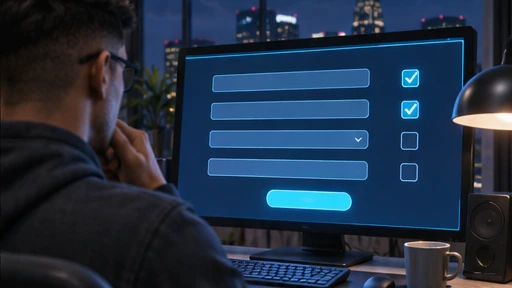
Provides reusable input dialogs with text, numeric, password and selection controls for other QBCore resources.
— · 0 Ratings & reviewsProvides reusable input dialogs with text, numeric, password and selection controls for other QBCore resources.
Extract qb-input into the FiveM resources/[qb] directory. Install and start its listed dependencies first, import bundled SQL where required, configure the resource, and add ensure qb-input to server.cfg. This is a QBCore resource, not a standalone complete roleplay server. Read the original README for resource-specific integration.
Dependencies: FiveM FXServer, QBCore-compatible calling resources; external web CDNs may be required by the upstream UI
Upstream source package. Follow the documented build and framework requirements. Game-server runtime compatibility has not been independently verified by GTA Store.
No published reviews yet.
Sign in / RegisterPlay connects to GTA Classics on laut.fm. The provider receives connection data. Live radio does not offer track skipping or seeking.
NonStop Radio · GTA Classics ↗Do not disturb is on. New private messages, live chat delivery and chat alerts are blocked. Choose Online to receive and send messages. Purchase and earnings notifications remain active.
Links, server addresses, profanity and harassment are not allowed in chat.